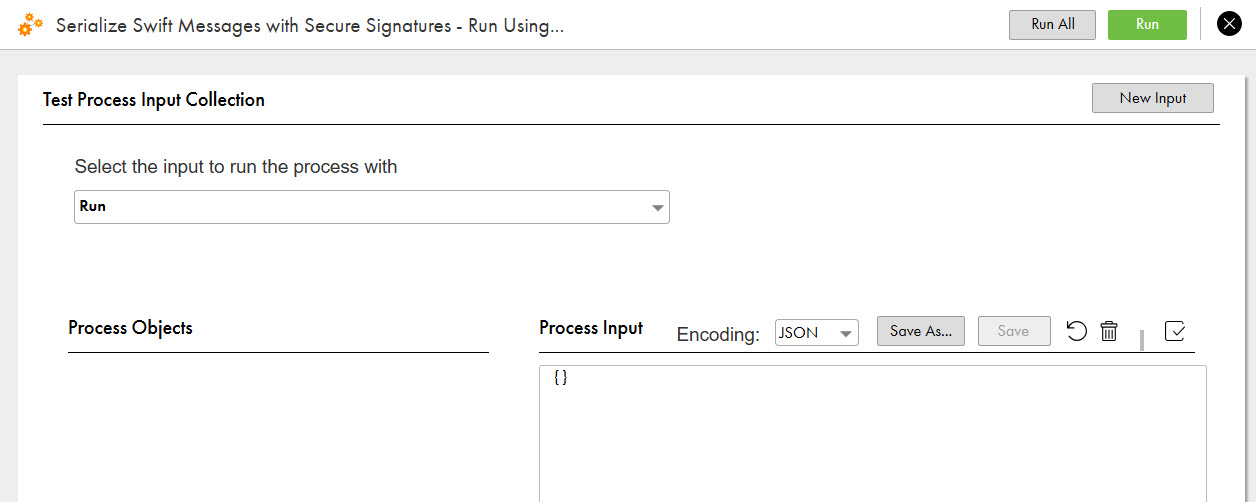
When you invoke the Serialize Swift Messages with Secure Signatures process, the process
serializes a Swift-based XML message to its base flat file format, sign the Swift message
using a JWT token, and publish to an API endpoint.
You can run the process using one of the following options:
Run Using by passing the input
parameters
REST or SOAP API endpoints in any API
client such as cURL, Postman, SOAP UI, or any programming language
Web browser by passing the input parameters
The following image shows Run Using option to run the process:
You receive a payload in encoded format. You can use any third-party tool or JWT application to
decode the payload using the private key and public key. For example, https://jwt.io/ as shown in the following
image:

 ASK INFAPreview