Hi, I'm Ask INFA!
What would you like to know?
ASK INFAPreview
Please to access Ask INFA.

NVIDIA NIM Connector Guide

NVIDIA NIM Connector Guide

Create an NVIDIA NIM API key

Create an NVIDIA NIM API key

Create an NVIDIA NIM API key for authentication to use the NVIDIA NIM APIs.
  1. Log in to the NVIDIA API Catalog.
  2. Go to
    Settings
    API Keys
    .
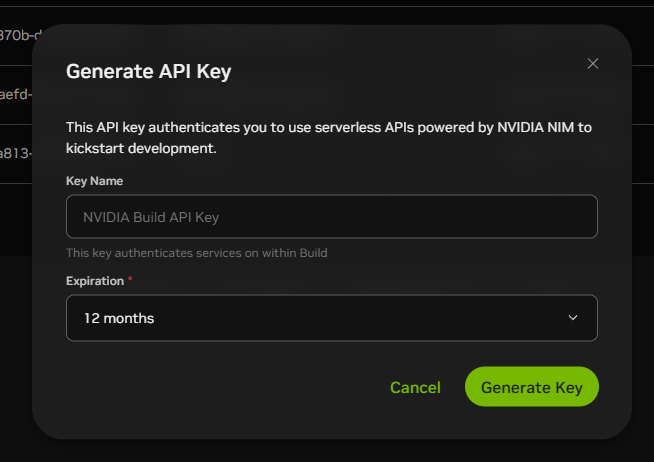
  3. Select the duration for which you want the key to remain activated from the
    Expiration
    list and click
    Generate Key
    .
    The following image shows the
    Generate Key
    option on the Generate API Key dialog box:
    The image shows the Generate Key option on the Generate API Key dialog
							box.
  4. Copy the key and store it in a secure place.

0 COMMENTS

We’d like to hear from you!